Flappy Bird FAQ: How to Play Online, Controls, and Medals
Published · 6 min read
How do you play Flappy Bird online?
To play Flappy Bird online, guide a flying yellow bird through narrow gaps between green pipes by clicking, tapping, or pressing Space to flap. Each flap lifts the bird upward, and your goal is to pass as many pipes as possible without touching obstacles or the ground.
The game operates as a pure one-button arcade challenge where every pipe gap you clear awards one point. You can play Flappy Bird directly in your web browser with no download or account setup required.
Because gravity pulls the bird downward the moment you release the controls, maintaining altitude requires steady timing. If the bird collides with any part of a green pipe or touches the sandy ground, the run ends instantly, returning you to the game-over screen.
What are the controls for flapping in Flappy Bird?
The controls for Flappy Bird require only a single input: click your mouse, tap your touchscreen, or press the Spacebar to flap. Every input delivers the exact same upward kick, after which gravity immediately pulls the bird downward until you flap again.
| Device or Platform | Flap Input | Restart Run |
|---|---|---|
| Keyboard | Spacebar | Spacebar or OK |
| Mouse | Left Click | Click OK |
| Touchscreen | Screen Tap | Tap OK |
| School Chromebook | Spacebar or Trackpad | Spacebar or OK |
All input methods trigger the identical upward kick, meaning keyboard, mouse, and touchscreen players experience the exact same flight physics. Holding down your key does not hover, so you must time individual taps to navigate each gap.
Why did your run end and how does collision work?
A Flappy Bird run ends instantly whenever the bird touches any part of a green pipe or contacts the sandy ground. Even grazing an outer pipe corner or clipping the rim registers as a collision, immediately halting the run and bringing up the game-over screen.
Understanding collision physics helps prevent unnecessary crashes. The bird has a collision circle that is slightly smaller than its visual sprite, allowing it to dip a little lower than looks safe on screen without registering a strike.
Despite this slight margin, pipes remain completely unforgiving. Any contact with the upper pipe, lower pipe, or ground plane results in an immediate loss. Once the run terminates, tapping OK or pressing Space lets you reset for another attempt.
What score do you need to earn medals in Flappy Bird?
In Flappy Bird, you earn medals by reaching specific milestone scores: 10 points for bronze, 20 points for silver, 30 points for gold, and 40 points for platinum. Each medal reflects sustained flight consistency across consecutively cleared pipe openings.
The four-tier medal table awards tokens on the final score card based on these point thresholds:
- Bronze Medal (10 points): The first milestone, requiring ten clean pipe clearances and steady rhythmic tapping.
- Silver Medal (20 points): The second milestone, demanding double the endurance without breaking rhythm or over-flapping.
- Gold Medal (30 points): An advanced badge achieved by reading upcoming gaps early and handling elevation shifts.
- Platinum Medal (40 points): The highest tier, awarded to players who maintain calm rhythm across forty consecutive obstacles.
Because earning bronze is harder than it sounds, setting incremental goals makes practice manageable. Mastering the first ten pipes gives you the foundation required to chase higher medal tiers.
How does high score saving and the leaderboard work?
Your best score in Flappy Bird saves automatically in your web browser, allowing your personal record to persist across sessions without an account. While the old online leaderboard from the previous site has been retired, your local browser storage retains your highest point tally.
Whenever you complete a run, the game-over panel displays your current run score alongside your best recorded score. If your new score surpasses the previous record, browser storage updates your best score immediately.
Because progress is saved locally in your browser, clearing your browser cache resets your high score to zero. Sticking to the same browser ensures your records remain intact whenever you return to play.
Can you play Flappy Bird unblocked on a school Chromebook?
Yes, you can play Flappy Bird unblocked on a school Chromebook because this browser remake runs directly in standard web tabs without downloads, installers, or administrative privileges. It loads directly on flappybird.ee and functions smoothly using either the keyboard Spacebar or the trackpad.
The version hosted here is built on the PlayCanvas engine and served directly from flappybird.ee rather than embedded from a third-party portal. This ensures fast loading on Chrome OS laptops without draining system resources or requiring local storage.
Because school devices restrict software installations, browser-based games provide convenient access during breaks. As long as your school network allows access to the domain, the game runs smoothly in any active browser window.
Is Flappy Bird free to play with no download?
Yes, Flappy Bird is completely free to play in your web browser with no software download, purchase, or account setup required. You can launch the game on flappybird.ee and start flapping through pipes immediately on desktop computers, laptops, and mobile screens.
The game loads entirely inside your web page, streaming original sprites, audio, and physics straight into your browser. You never need to install extensions, download APK packages, or pay for in-game purchases.
Every player gets the complete four-tier medal challenge without paywalls or locked features. Whenever you want a quick arcade break, open the site and start a fresh run with a single tap.
Is there an official Flappy Bird 2 or multiplayer mode?
No official Flappy Bird 2 sequel or built-in multiplayer mode exists in this faithful browser remake. The game on flappybird.ee focuses entirely on the classic single-player arcade run, preserving the authentic rules, sprites, and one-button mechanics crafted by .GEARS Studios.
Following Flappy Bird's viral surge in early 2014, creator Dong Nguyen pulled the original app from app stores in February 2014 rather than releasing an official sequel. While many unofficial clones appeared online, the definitive experience remains the original single-player design.
Rather than competing against live opponents on screen, players compete by comparing their personal best scores. The browser remake maintains this classic focus, offering an authentic solo run where success depends entirely on your own timing.
What strategies and rhythm tips help you get a higher score?
To get a higher score in Flappy Bird, maintain a calm tapping rhythm roughly once every half second, look ahead at incoming pipes, and avoid double-tapping in panic. Because the bird falls quickly, steady rhythmic timing produces a far more predictable flight path than reactive fluttering.
Applying proven mechanics-based techniques helps you push past single digits and secure medals:
- Tap in a steady rhythm: Settle into a beat of roughly one tap every half second to keep the bird level. Most crashes come from panicked double-tapping into the top pipe.
- Aim for the gap early: Line up with the next gap while the current pipe is still passing. Pipe spacing is constant, giving you predictable time to adjust.
- Flap late at the bottom of a drop: The bird's collision circle is smaller than its sprite. Waiting for the bottom of the fall produces a flatter, more controlled trajectory.
- Keep your eyes ahead of the bird: Watch the upcoming pipe gap rather than the bird. The bird stays in a fixed horizontal position, so looking ahead lets you react earlier.
- Chase medals one at a time: Secure the bronze medal at 10 points before chasing silver or gold. Once you can reach 10 on command, holding that rhythm longer earns higher medals.
What browser games are similar to Flappy Bird?
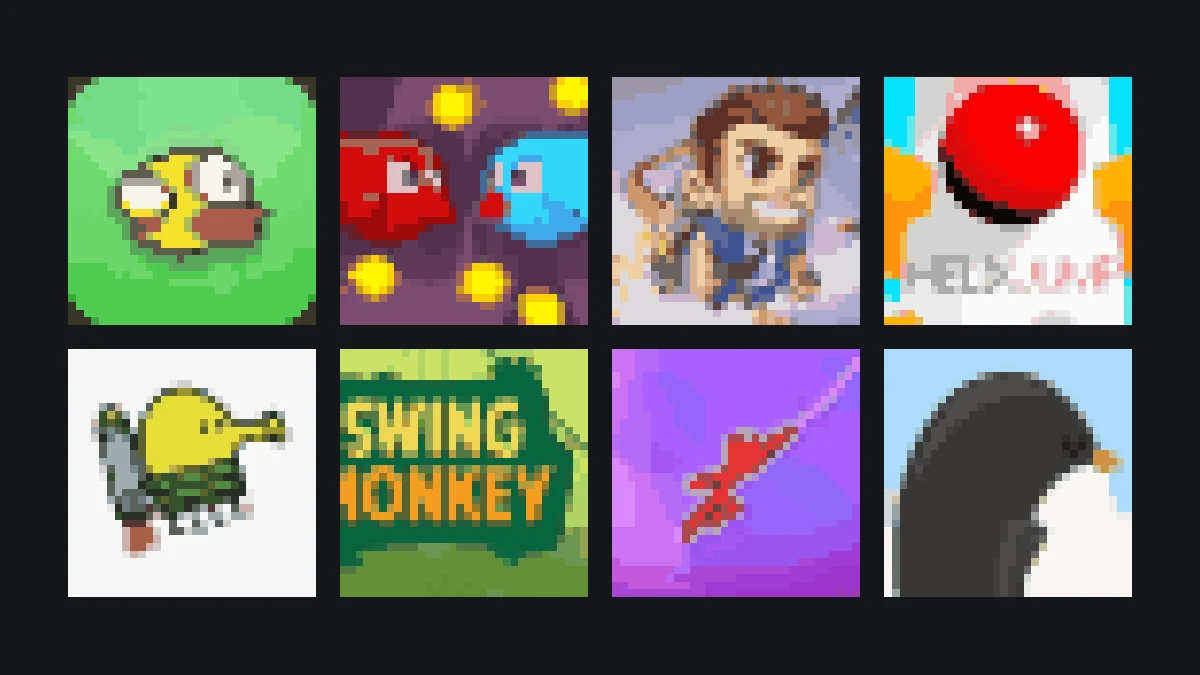
Browser games similar to Flappy Bird include one-tap flappers, vertical jumpers, and endless runners such as Lava Bird, Jetpack Joyride, Doodle Jump, and Chrome Dinosaur Game. These titles share simple one-button mechanics, instant restarts, and challenging high-score survival loops playable directly in your browser.
Around Flappy Bird is a hand-picked collection of short browser games in the same spirit, offering quick arcade entertainment:
- Lava Bird: A fiery one-tap flying challenge where you navigate airborne hazards with rhythmic flapping.
- Jetpack Joyride: An endless runner where holding a single button activates a jetpack to dodge obstacles.
- Doodle Jump: A vertical jumping classic where you guide a bouncing character across moving platforms.
- Chrome Dinosaur Game: An endless runner testing jump timing over cacti using simple taps or the Spacebar.
- Crossy Road: A retro arcade hopper where you time taps across busy roads and rivers.
Each of these titles provides instant, zero-install gameplay that complements the one-button challenge of Flappy Bird.
More from the blog
- What Happened to Flappy Bird? The Rise, the Removal and What Came After
How a 2013 iPhone game nobody noticed became the most downloaded app in the world, why its creator deleted it at the peak, and where it lives now.
- Flappy Bird Tips: How to Score 10, 20 and Beyond Without Rage-Quitting
The bird falls faster than you think and the gap is wider than it looks. Five habits that turn a score of 3 into a bronze medal.
- Games Like Flappy Bird: Six One-Button Games on This Site Worth Your Next Break
If it is the one-tap rhythm you like, these are the games on flappybird.ee built on the same idea — from a lava-cave flapper to a penguin learning to fly.